Categories
Get Paid the Moment a Customer Books: How Online Payments Are Changing Service Businesses in NZ
- Author: Eni Selvi
- Published On: Mar 4, 2026
- Category: Payments & Bookings
💳 What if you never had to send a payment reminder again — because your customers already paid when they booked?
If you run a lawn care, cleaning, automotive, or any other service business in New Zealand, you know the drill: you do the work, send the invoice, then spend the next two weeks chasing payment. It's frustrating, time-consuming, and bad for your cash flow.
There's a better way. More and more NZ service businesses are switching to online booking with integrated payment — where the customer pays at the time of booking, just like buying a concert ticket or booking a hotel. The service provider gets paid instantly, and the customer gets a confirmed booking with a receipt. Everyone wins.
The Old Way Is Costing You More Than You Think 💸
Most service businesses still rely on the "do the work, invoice later" model. On the surface it seems fine — until you add up the real cost:
- 📞 Chasing invoices: The average small business owner spends 1–2 hours per week following up on unpaid invoices.
- 🚪 No-shows: When there's nothing at stake financially, a portion of customers simply don't turn up — costing you a slot you could have filled.
- 📉 Unpredictable cash flow: Not knowing when money will arrive makes it hard to plan, restock, or pay staff on time.
- 😤 Awkward conversations: Asking a client to pay — especially a regular — is uncomfortable and strains the relationship.
Real cost example: If you have 40 active clients and just 5% are slow payers, that's 2 clients per month you're chasing. At $15/hr admin time plus the cash flow impact — that could easily add up to $1,000+ per year in hidden costs.
How Online Booking + Payment Works 🔄
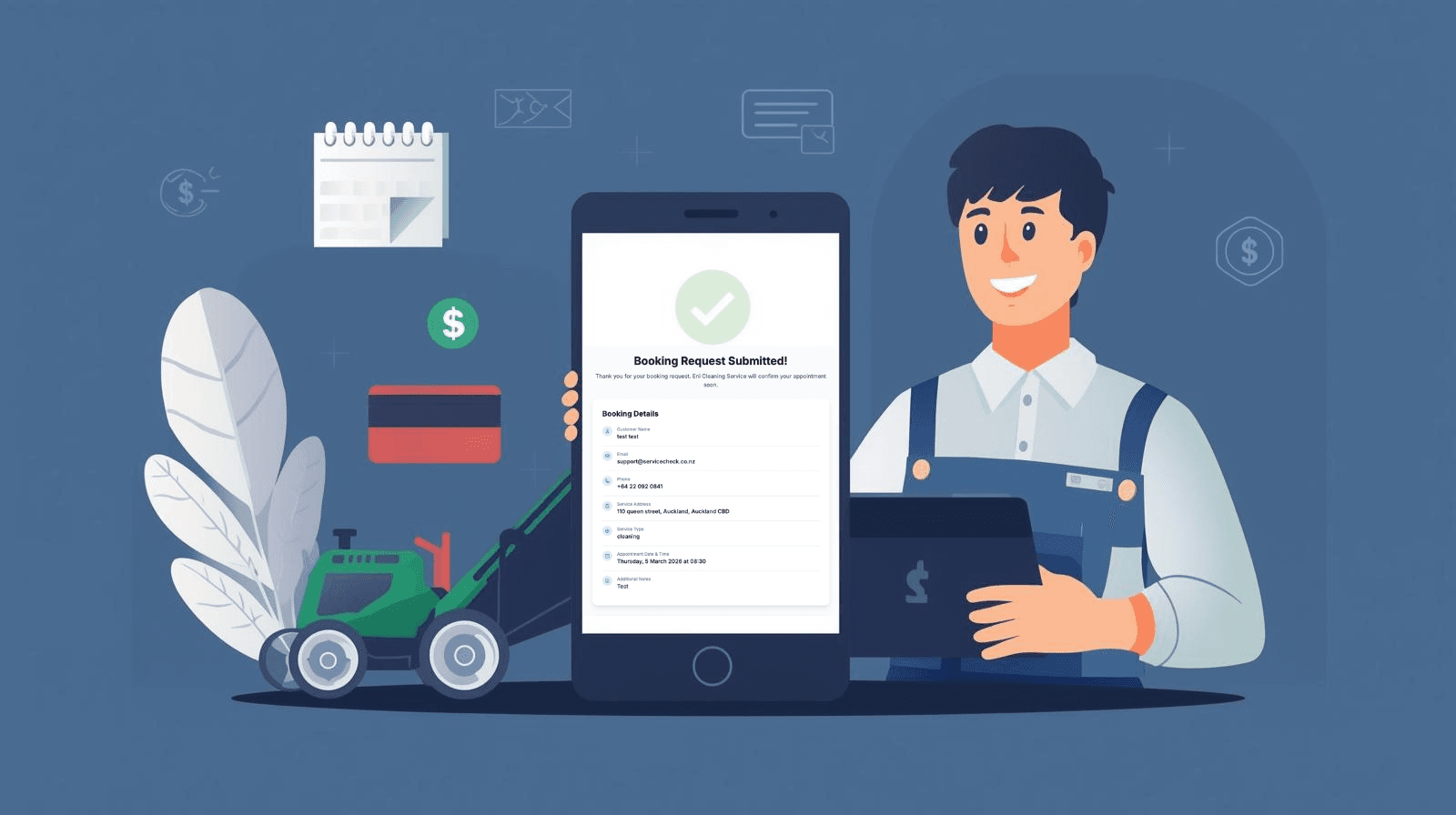
The concept is simple: your customer visits your booking page, picks a date and time, selects a service, and pays securely online — all before you've lifted a finger. Here's what the flow looks like in practice with ServiceCheck:
Step-by-Step: Customer Books & Pays
- 1Customer visits your public booking page (e.g. servicecheck.co.nz/book/your-shop)
- 2They choose a service type, preferred date and time
- 3They enter their contact details and pay securely via Stripe (card or bank transfer)
- 4Booking is confirmed instantly — a calendar event appears in your ServiceCheck dashboard
- 5An invoice is automatically created and marked as Paid in your system
- 6Both you and the customer receive a confirmation email
The money lands in your Stripe account straight away. No invoice. No follow-up. No awkward conversation.
5 Reasons NZ Service Businesses Are Making the Switch 🚀
1. Instant, Guaranteed Payment
Payment is collected before the job even starts. No more 30-day payment terms, no more "I'll bank it this week" promises. The money is in your account the moment the booking is confirmed.
2. Dramatic Reduction in No-Shows
When a customer has paid upfront, they show up. Studies consistently show that paid bookings have a no-show rate of under 5%, compared to 15–20% for free bookings. That's a significant difference in a service business where empty slots mean lost revenue.
3. Predictable, Healthy Cash Flow
When you know exactly how much money is coming in each week based on confirmed bookings, you can plan confidently — restocking supplies, paying staff, or investing in your business without uncertainty.
4. Automated Record-Keeping
Every paid booking automatically creates an invoice in your system, pre-filled with the service type, amount, and customer details — and marked as paid. Tax time becomes a breeze when every transaction is already logged.
5. Professional Customer Experience
Customers increasingly expect to be able to book and pay online, 24/7 — the same way they buy anything else. Offering a slick booking page with instant confirmation positions your business as professional and trustworthy.
Before vs After: A Cleaning Business Example 🌿
❌ Before Online Payments
- Bookings taken via phone or text
- 2–3 no-shows per week
- Invoices sent after each job
- 5–10 outstanding invoices at any time
- Friday afternoons spent chasing payment
- Cash flow unpredictable
✅ After Online Payments
- Customers self-book 24/7 online
- Near-zero no-shows
- Invoice auto-created & marked paid
- $0 outstanding at end of week
- Friday afternoons used to take on more jobs
- Cash flow predictable & healthy
Is It Safe? 🔒
Security is a common question — and it's straightforward to answer.
ServiceCheck uses Stripe for all payment processing — the same platform used by Amazon, Shopify, and thousands of NZ businesses. Card details are never stored on your system. Stripe is PCI-DSS Level 1 compliant, the highest level of payment security available.
Who Is This For? 🎯
Online booking with payment works particularly well for:
- 🌱 Lawn care & garden maintenance — regular scheduled visits, easy to price upfront
- 🧹 Cleaning businesses — fixed-price cleans are ideal for upfront payment
- 🔧 Automotive workshops — collect a deposit or full payment for standard services
- 🏗️ Trade businesses — lock in jobs with a deposit at booking time
- 🐾 Pet grooming, mobile services — any business with appointment-based scheduling
How to Get Started with ServiceCheck 📋
Setting up online booking with payment in ServiceCheck takes less than 15 minutes:
- 1. Connect your Stripe account from Settings → Payments (or create a free Stripe account if you don't have one yet)
- 2. Set your service types and prices in the Service Catalog
- 3. Configure your working hours so customers only see available slots
- 4. Share your booking link — add it to your website, Google profile, Instagram bio, or print it as a QR code
- 5. Sit back — bookings and payments roll in automatically